



Introduction
Stress analysis is a crucial step in product design and engineering, ensuring that components can withstand the forces they will encounter in real-world applications. Autodesk Inventor, a powerful 3D CAD software, includes a Stress Analysis module that allows engineers to test and validate their designs before manufacturing. This article explores Inventor Stress Analysis, its benefits, workflow, and best practices for achieving accurate results.
What is Inventor Stress Analysis?
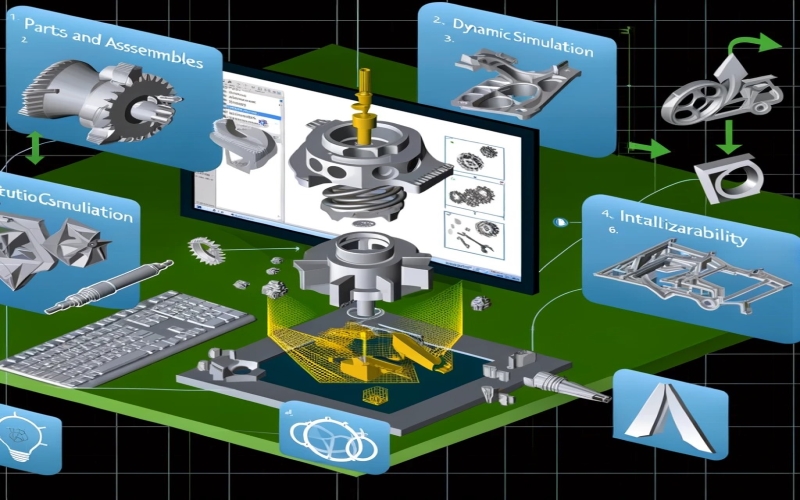
Inventor Stress Analysis is a finite element analysis (FEA) tool integrated within Autodesk Inventor. It enables engineers to simulate mechanical stress, deformation, and failure modes in 3D models. By applying forces, constraints, and materials, users can determine whether a part or assembly can sustain operational loads.
Why is Stress Analysis Important?
✔ Prevents structural failures before production
✔ Optimizes material usage, reducing costs
✔ Enhances product reliability and performance
✔ Reduces the need for physical prototyping
✔ Ensures compliance with safety standards

Key Features of Inventor Stress Analysis
1. Finite Element Analysis (FEA)
Inventor’s built-in FEA solver divides a model into small elements, solving for stress, strain, and displacement using numerical methods.
2. Static Stress Analysis
- Simulates real-world forces, pressures, and loads
- Identifies areas of high stress and potential failure
- Helps in optimizing part geometry
3. Modal Analysis
- Evaluates natural frequencies of components
- Prevents vibrational resonance failures
4. Frame Analysis
- Ideal for structural frames and assemblies
- Analyzes stress on beams and joints
5. Contact Analysis
- Simulates interactions between multiple parts
- Identifies contact stress and frictional effects
6. Safety Factor Calculation
- Determines the margin of safety in a design
- Ensures structural integrity under load
How to Perform Stress Analysis in Autodesk Inventor
Step 1: Open the Stress Analysis Environment
- In Inventor, navigate to Environments → Stress Analysis
- Create a new simulation study
Step 2: Assign Materials
- Select appropriate materials (steel, aluminum, plastic, etc.)
- Material properties like Young’s modulus, Poisson’s ratio, and density affect results
Step 3: Apply Loads and Constraints
- Define forces, pressure, torque, gravity, or thermal loads
- Apply fixed constraints or pin connections
Step 4: Generate the Mesh
- The FEA mesh divides the model into finite elements
- Adjust mesh density for better accuracy
Step 5: Run the Simulation
- Click “Run” to solve the stress analysis
- The system computes stress distribution, deformation, and safety factors
Step 6: Interpret Results
- Von Mises Stress Plot: Identifies the most stressed areas
- Displacement Analysis: Shows deformations
- Safety Factor Plot: Highlights potential failure zones
Step 7: Optimize Design
- Modify geometry, thickness, or material
- Rerun analysis to validate improvements
Best Practices for Accurate Stress Analysis
✅ Use High-Quality Mesh: A finer mesh improves accuracy but increases computation time.
✅ Apply Realistic Loads: Ensure forces and constraints match real-world conditions.
✅ Check Convergence: Run multiple simulations with different mesh sizes.
✅ Consider Thermal Effects: Heat-induced stress can impact results.
✅ Validate with Physical Testing: Compare FEA results with real-world tests.
Common Challenges and How to Overcome Them
1. Mesh Refinement Issues
✔ Use adaptive meshing for high-stress areas
✔ Avoid overly coarse meshes
2. Incorrect Boundary Conditions
✔ Ensure correct constraints (e.g., fully fixed, pinned, sliding)
✔ Verify force application points
3. Convergence Problems
✔ Increase mesh density in critical regions
✔ Adjust solver settings
4. Material Data Errors
✔ Double-check material properties
✔ Use manufacturer-specified data sheets
Conclusion
Inventor Stress Analysis is a powerful tool for engineers looking to improve product performance, reduce costs, and prevent failures. By following a structured approach and best practices, users can accurately predict stress behavior and optimize designs efficiently.
Whether you’re designing automotive parts, industrial machinery, or consumer products, Autodesk Inventor’s FEA capabilities can help ensure your design is both strong and reliable.
